
Description
Key Features
Full HD 1080p @ 60FPS • Wi-Fi • Parking mode • Sony STARVIS sensor • 131° viewing angle

The perfect entry-level dashcam
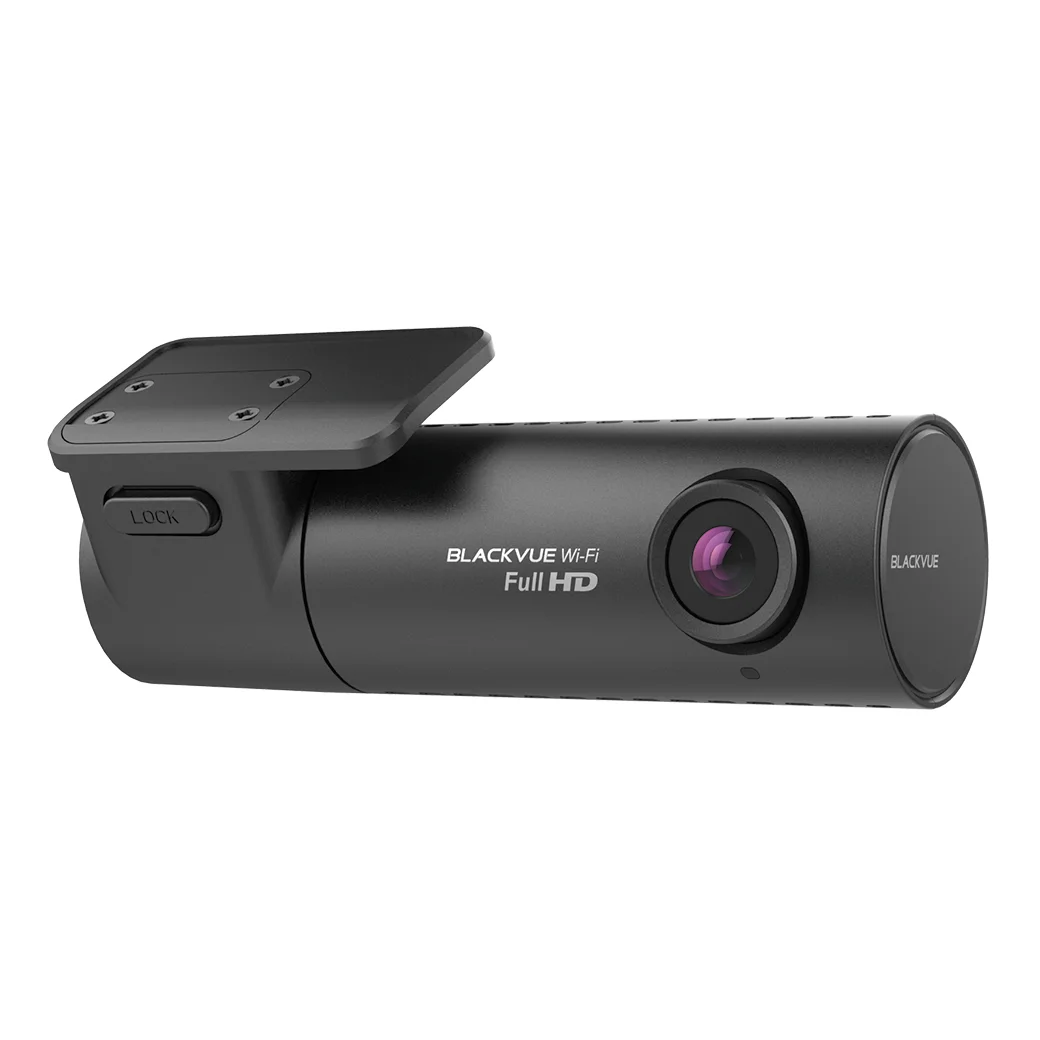
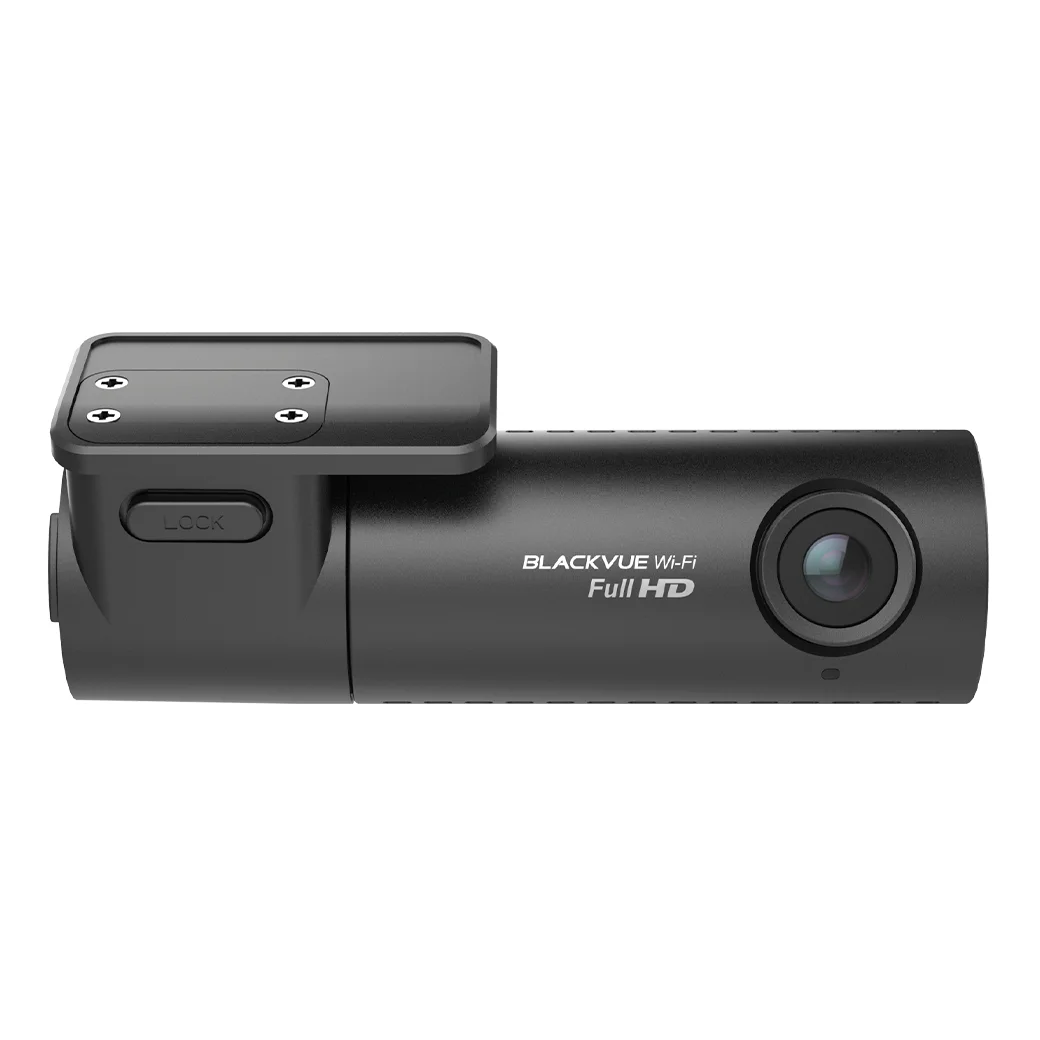
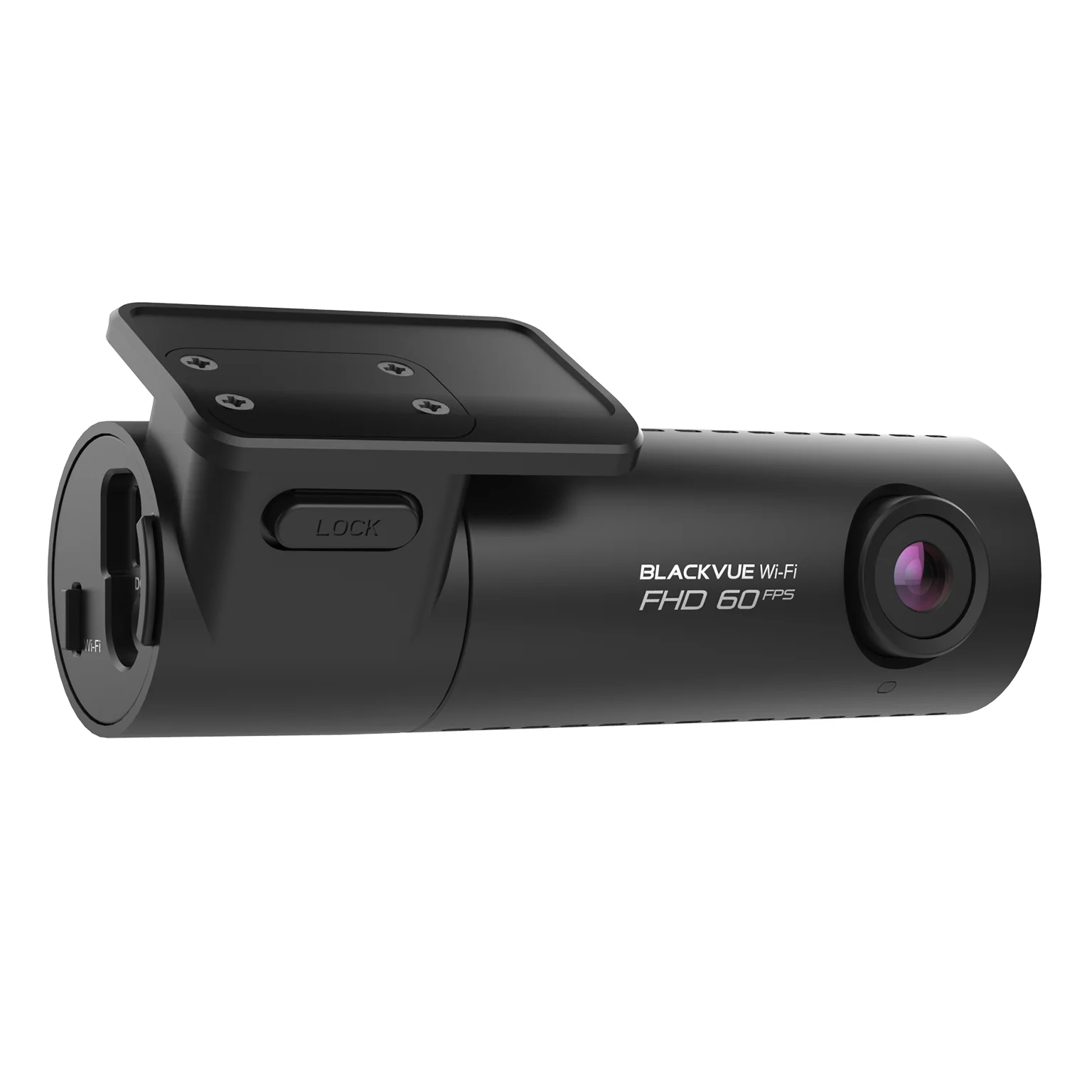
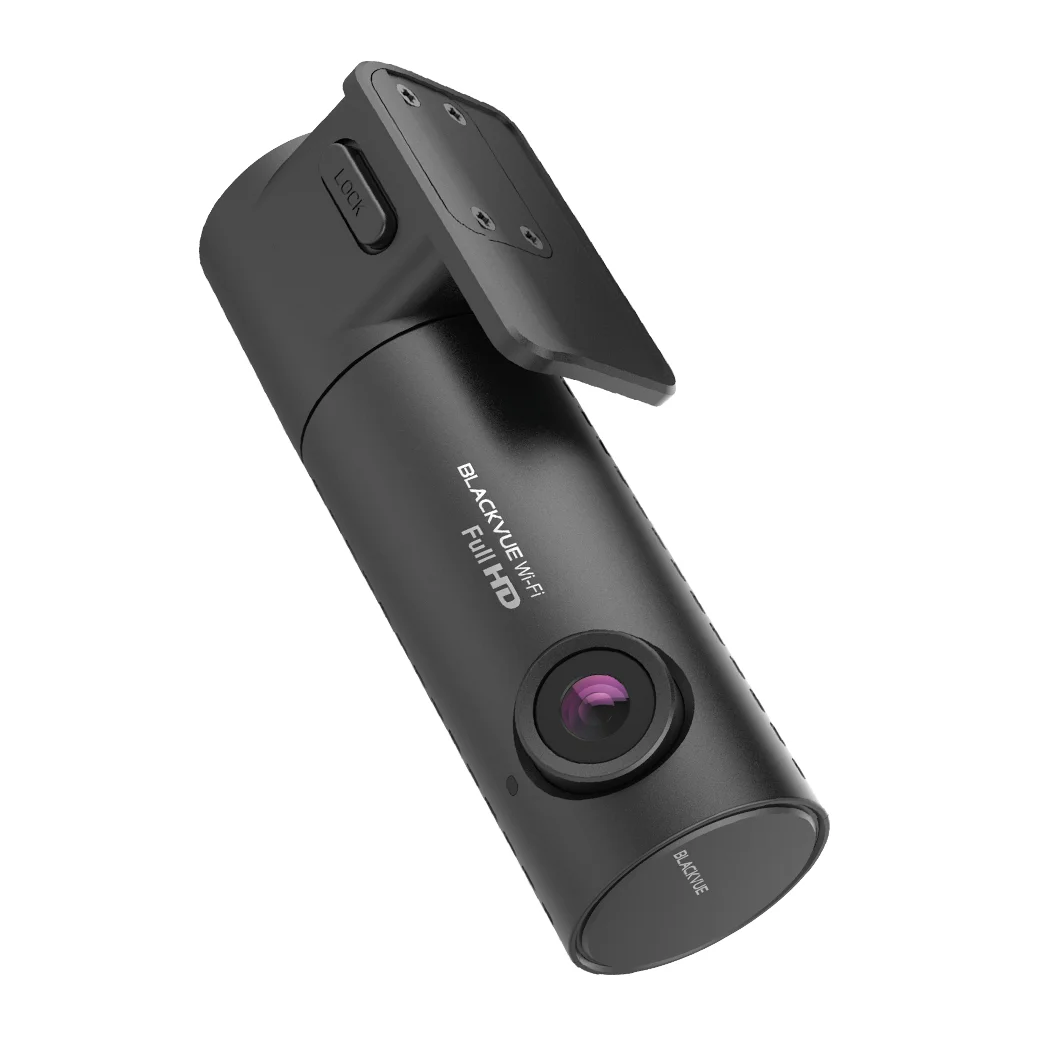
The DR590X-1CH Plus is the new Wi-Fi entry-level dashcam with Full HD from BlackVue.
The camera has a 2.1 megapixel Sony STARVIS CMOS sensor for excellent recording quality in all light and weather conditions.
In addition, the DR590X Plus has a built-in Wi-Fi module. This offers the possibility to connect your BlackVue dashcam to your smartphone and/or tablet, after which you can easily change settings and transfer recordings.
The dashcam can be expanded with a Dual-band GPS antenna, and has a built-in parking mode function.
The perfect entry-level dashcam
The DR590X-1CH Plus is the new Wi-Fi entry-level dashcam with Full HD from BlackVue.
The camera has a 2.1 megapixel Sony STARVIS CMOS sensor for excellent recording quality in all light and weather conditions.
In addition, the DR590X Plus has a built-in Wi-Fi module. This offers the possibility to connect your BlackVue dashcam to your smartphone and/or tablet, after which you can easily change settings and transfer recordings.
The dashcam can be expanded with a Dual-band GPS antenna, and has a built-in parking mode function.
The camera
Thanks to Full HD 1080p recording quality, combined with 60 frames per second, the dashcam records very smooth and clear footage. The Sony STARVIS image sensor ensures high-quality recordings in all light and weather conditions.
The 131° viewing angle ensures that not only the road in front of the car is captured, but also other lanes, cycle paths and more.

The camera
Thanks to Full HD 1080p recording quality, combined with 60 frames per second, the dashcam records very smooth and clear footage. The Sony STARVIS image sensor ensures high-quality recordings in all light and weather conditions.
The 131° viewing angle ensures that not only the road in front of the car is captured, but also other lanes, cycle paths and more.

Wi-Fi and Dual-Band GPS
Connect to the DR590X Plus via Wi-Fi.
Wi-Fi: Provides the ability to connect your BlackVue dashcam to your smartphone and/or tablet (maximum 10m).
GPS: Connect the optional GPS antenna to provide your BlackVue DR590X Plus series dashcam with GPS reception. Speed, location on the map and routes traveled are stored in the recordings in this case. Then view this information via the BlackVue app or PC/Mac software.
Wi-Fi and Dual-Band GPS
Connect to the DR590X Plus via Wi-Fi.
Wi-Fi: Provides the ability to connect your BlackVue dashcam to your smartphone and/or tablet (maximum 10m).
GPS: Connect the optional GPS antenna to provide your BlackVue DR590X Plus series dashcam with GPS reception. Speed, location on the map and routes traveled are stored in the recordings in this case. Then view this information via the BlackVue app or PC/Mac software.
Parking mode
Never worry about your parked car again, thanks to the advanced parking mode.
The DR590X Plus series can be connected to the car’s fuse panel with the optional CH-3P1 fixed power cable, to provide a safe and simple parking mode solution.
The dashcam automatically switches to parking mode as soon as you switch off the car’s ignition. You can easily set the voltage (or time) at which the power will be interrupted via the app. This means you don’t have to worry about an empty battery, but the dashcam will continue to record.
The BlackVue dashcam records based on shock detection, these are the previously mentioned event recordings.
In addition, the dashcam is also activated by movement in parking mode.
In both cases, the previous 5 seconds are also saved, so that you always have an image of what happened before the shock or motion detection.
Do you want to increase the parking mode recording time? You can also use an external BlackVue power module, such as the B-130A Ultra Battery Pack.

Parking mode
Never worry about your parked car again, thanks to the advanced parking mode.
The DR590X Plus series can be connected to the car’s fuse panel with the optional CH-3P1 fixed power cable, to provide a safe and simple parking mode solution.
The dashcam automatically switches to parking mode as soon as you switch off the car’s ignition. You can easily set the voltage (or time) at which the power will be interrupted via the app. This means you don’t have to worry about an empty battery, but the dashcam will continue to record.
The BlackVue dashcam records based on shock detection, these are the previously mentioned event recordings.
In addition, the dashcam is also activated by movement in parking mode.
In both cases, the previous 5 seconds are also saved, so that you always have an image of what happened before the shock or motion detection.
Do you want to increase the parking mode recording time? You can also use an external BlackVue power module, such as the B-130A Ultra Battery Pack.

Built-in shock and motion detection
The built-in G-sensor ensures that when shock detection occurs, for example a collision, the recordings are saved in a separate folder. We call these recordings an event recording.
All different types of recordings are conveniently arranged in the BlackVue software for Windows/Mac or the BlackVue app.
Built-in shock and motion detection
The built-in G-sensor ensures that when shock detection occurs, for example a collision, the recordings are saved in a separate folder. We call these recordings an event recording.
All different types of recordings are conveniently arranged in the BlackVue software for Windows/Mac or the BlackVue app.
Stylish BlackVue design
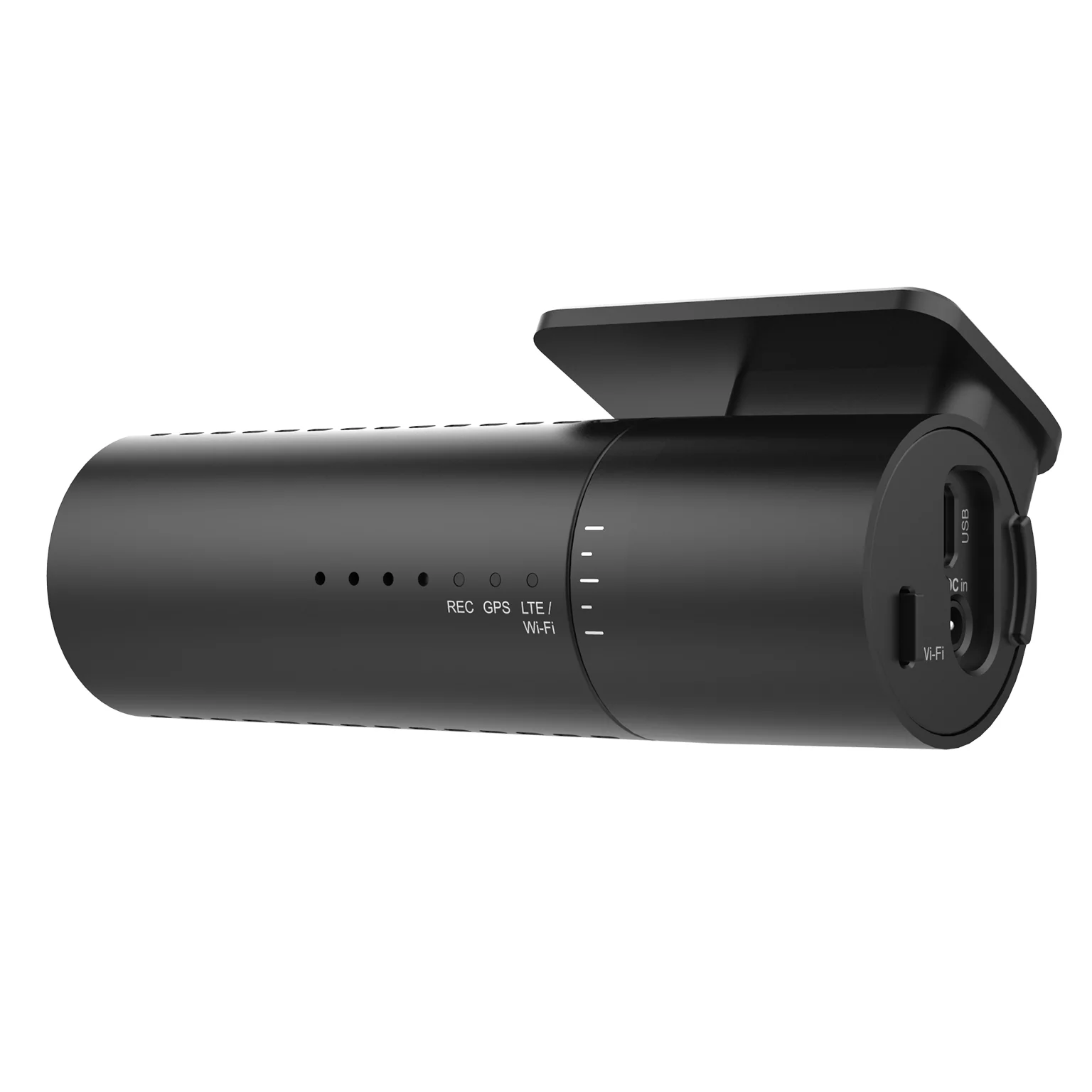
The design of the DR590X Plus series offers access to a number of useful functions.
Wi-Fi on/off button
Switch the Wi-Fi on or off with a push of a button.
The voice guidance confirms what is being done in all cases.
USB Port
The USB port makes it possible to connect a dual-band GPS receiver.

Stylish BlackVue design
The design of the DR590X Plus series offers access to a number of useful functions.
Wi-Fi on/off button
Switch the Wi-Fi on or off with a push of a button.
The voice guidance confirms what is being done in all cases.
USB Port
The USB port makes it possible to connect a dual-band GPS receiver.
Software
BlackVue App (Android & iOS)
With the free BlackVue app you can easily access stored videos, manage settings, and more. For example, you can review important images on the spot, save them externally and/or share them via your smartphone or tablet.
BlackVue Viewer (Windows & Mac)
Do you prefer to manage your dashcam via your computer or laptop?
Then use the handy free BlackVue Viewer software. The BlackVue Viewer supports all BlackVue dashcams via the inserted SD card and/or via the cloud, and is compatible with Windows and Mac.

External GPS Receiver (Optional)
The external GPS receiver is connected to the BlackVue USB port to add speed and location data to the recordings.
The speed driven and location on the map are now visible when reviewing the recording.
External GPS Receiver (Optional)
The external GPS receiver is connected to the BlackVue USB port to add speed and location data to the recordings.
The speed driven and location on the map are now visible when reviewing the recording.
Optimized storage
Protect event recordings from being overwritten
BlackVue dashcams use the so-called loop recording. The previously recorded files are automatically overwritten when the memory is full, starting with the oldest recording.
The DR590X Plus has its own 50-file loop for event recordings. This prevents these recordings from being overwritten too quickly.
Adaptive “Format-Free” storage
The “Format-Free” storage system developed by BlackVue improves the stability of the recordings and reduces the need to manually format the SD card. You still have the flexibility to set the recording time to minutes and change the quality settings. The stored videos can be played in almost all media players.

Optimized storage
Protect event recordings from being overwritten
BlackVue dashcams use the so-called loop recording. The previously recorded files are automatically overwritten when the memory is full, starting with the oldest recording.
The DR590X Plus has its own 50-file loop for event recordings. This prevents these recordings from being overwritten too quickly.
Adaptive “Format-Free” storage
The “Format-Free” storage system developed by BlackVue improves the stability of the recordings and reduces the need to manually format the SD card. You still have the flexibility to set the recording time to minutes and change the quality settings. The stored videos can be played in almost all media players.

Tamper-proof Case (Optional)
The BlackVue BTC-2B tamper-resistant holder ensures that the microSD card, power cable, coaxial cable and Wi-Fi button are shielded.
Tamper-proof Case (Optional)
The BlackVue BTC-2B tamper-resistant holder ensures that the microSD card, power cable, coaxial cable and Wi-Fi button are shielded.
| Model | DR590X-1CH Plus |
| Channel | 1CH |
| Product dimensions | Black / Width 111,8mm x Height 34mm / 103,5g |
| Storage | Micro SD card up to 256GB |
| Image sensor | Full HD Sony STARVIS™ Sensor |
| Viewing angle | Diagonal 131°, Horizontal 116°, Vertical 61° |
| Resolution & frames per second | Full HD (1080 x 1920) @ 60fps |
| Video Codec | H.264 (AVC) |
| Image quality and bitrate | Highest (extreem): 25 Mbps Highest: 12 Mbps High: 10 Mbps Normal: 8 Mbps |
| Video file | MP4 |
| Wi-Fi | Built-in (802.11n 2.4GHz) – Wi-Fi on/off button |
| GPS | Optional (Dual Band : GPS / Glonass) |
| Microphone | Built-in |
| Speaker | Built-in |
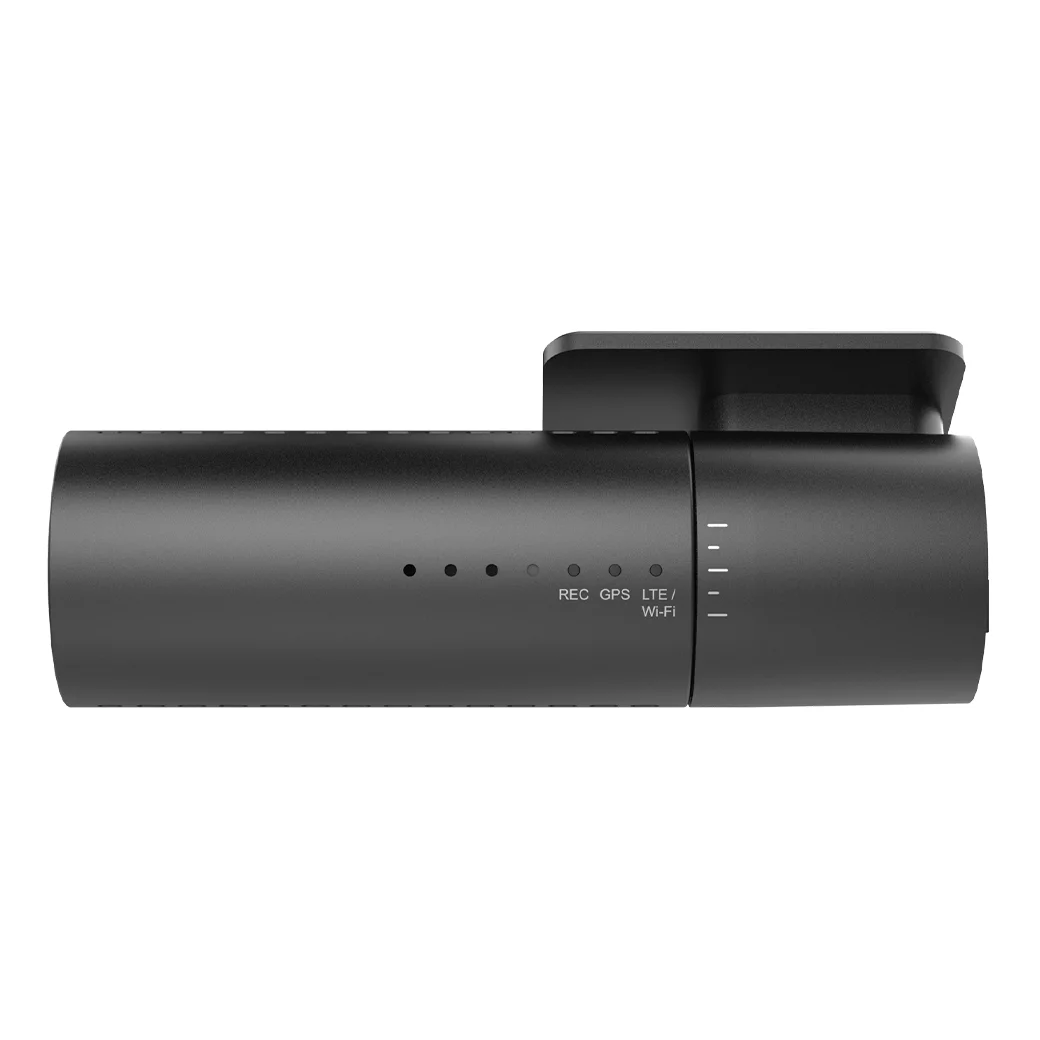
| LED Indicators | Recording LED, GPS LED, Cam Security LED |
| Operating temperature | -20°C − 70°C |
| Store temperature | -20°C − 80°C |
| Spare battery | Built-in super capacitor |
| Input | DC 12V – 24V (DC Plug (Ø3.5 x Ø1.1), MAX 1 A/12 V) |
| Power consumption per hour | Avg. 160mA (FHD@60fps, 2.04W at 12V, when no external GPS receiver) Avg. 180mA (FHD@60fps, 2.28W at 12V, when external GPS receiver is connected) |
| Certificates | FCC, CE, RoHS |
| Software | BlackVue Viewer * Windows XP or later, Mac Yosemite OS X (10.10) or later |
- Camera
- MicroSD card
- Cigarette lighter power cable
- USB-micro SD card reader adapter
- Quick-start manual (English)
- Cable guides (3EA)
- 3M tape
- 12V power cable

